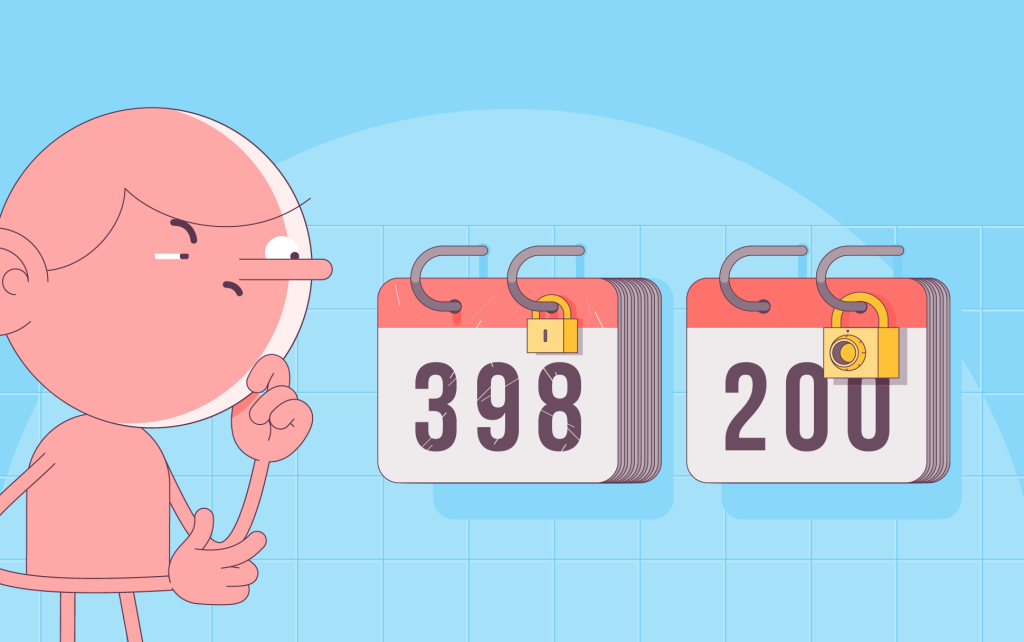
Starting March 15, 2026, SSL certificates issued by any Certificate Authority will last 200 days — a little under 7 months — instead of a full year. This is an industry-wide change that applies to everyone, everywhere. Certificates you already have will keep working until they expire, and new automation tools are on the way to make each reactivation seamless.
Why this is happening
This change comes from a ballot passed on April 11, 2025 by the CA/Browser Forum — a standards body made up of Certificate Authorities, browser vendors, and tech companies. The proposal was put forward by Apple and approved by Forum members. The long-term goal is to eventually shorten SSL lifespans to 47 days.
Shorter certificates improve security by reducing risks from key compromise, misissuance, and outdated cryptography. They also make domain ownership checks more accurate and push the industry toward automated renewal — which is ultimately safer and more reliable.
So what does this mean for you?
After March 15, any new SSL will last a little under 7 months per issuance.
SSL certificates issued before March 15 will stay valid for their full term until they expire. No changes there.
You can still purchase up to 5 years of SSL. To use the full prepaid time, certificates will need to be reactivated every 200 days.
Full automation support is rolling out between summer and fall 2026.
Until then, your certificates will continue working normally. When your SSL gets close to its 200-day mark, you’ll receive 30-day reminders along with simple instructions for reactivation.
Automation options coming in 2026
1) Web-based automation (SSL Proxy)
No setup. No scripts. No server changes. When: July–August 2026.
You simply point your domain to the proxy using a DNS record (ALIAS or IP). We handle everything else: issuance, installation, reactivation, and updates.
Think of it as a secure layer between your server and your visitors’ browsers. Its only job is to keep your SSL valid and your connection secure.
Ideal for:
- Users who don’t want to touch server settings
- Any hosting platform and server type without built-in CDN/proxy
- cPanel, no panel, shared hosting, VPS, bare metal — everything works
2) Server-side automation (SSL Genie)
It’s a lightweight scheduled task that manages your SSL, set up with one file upload or one-line terminal command. When: July–August 2026.
When your setup doesn’t allow using the proxy, SSL Genie gives you automatic reactivation directly on your server. Works on cPanel and Linux servers with root/admin access.
Setup:
- On cPanel: upload a small web page and open yourdomain.com/install-ssl for a quick guided setup.
- On root/admin servers: run one-line command in the terminal
This creates a background task (cron job) that periodically calls our API to renew and install your SSL. It doesn’t modify anything else on your server, and it runs on our SSL API — not ACME — meaning you don’t have to set up clients, configs, or challenges. Install it once and the API keeps your certificate alive.
3) Automatic domain control validation (DCV) + automatic issuance (manual installation)
Automatic domain validation and SSL issuance with a one-time CNAME record in your DNS zone. When: August–September 2026.
If you can’t use the proxy or server-side automation, you can still automate SSL issuance and receive the installation files and private key once they’re ready.
You’ll create one user-specific CNAME record in your DNS zone. That record points to a zone we manage, where DCV values are kept. Once it’s in place, every 200-day reactivation will automatically complete domain validation and issue your updated certificate.
In this flow, we generate the CSR and private key for you.
You’ll download the reactivated certificate and key (protected by a one-time password emailed to you, so only you can access it) and install it manually.
The takeaway
Yes, certificate lifespans are getting shorter, but your setup won’t get more complicated. We’ll guide you through each step, and automation will take over as new tools roll out this year.
Looking for a new SSL?
You can check out our certificates starting from $3.75/year, with a free 30-day trial available.
There’s also a current offer: buy 2 SSL, get 1 free. Reach out to customer support and they’ll apply the free SSL for you

Cora is a digital copywriter for SSLs.com. Having eight years of experience in online content creation, she is a versatile writer with an interest in a wide variety of topics, ranging from technology to marketing.