Most cyberattacks don’t come from a single hacker sitting behind one computer. Sometimes they rely on thousands of devices working together without their owners even realizing it. These networks are called botnets. And they’ve become one of the most powerful tools in modern cybercrime, and they’re only growing in magnitude.
In 2025, Qrator Labs detected the largest distributed denial-of-service (DDoS) botnet ever observed. Made up of devices around the world, it grew from 1.33 million to 5.76 million infected devices. The increase in hackers using AI tools, as well as the rise in vulnerable devices connected to high-speed Internet, means that this problem won’t go away any time soon.
Let’s break down how botnets work, how devices become part of them, and what you can do to protect your devices from being sucked in.
What a botnet actually is
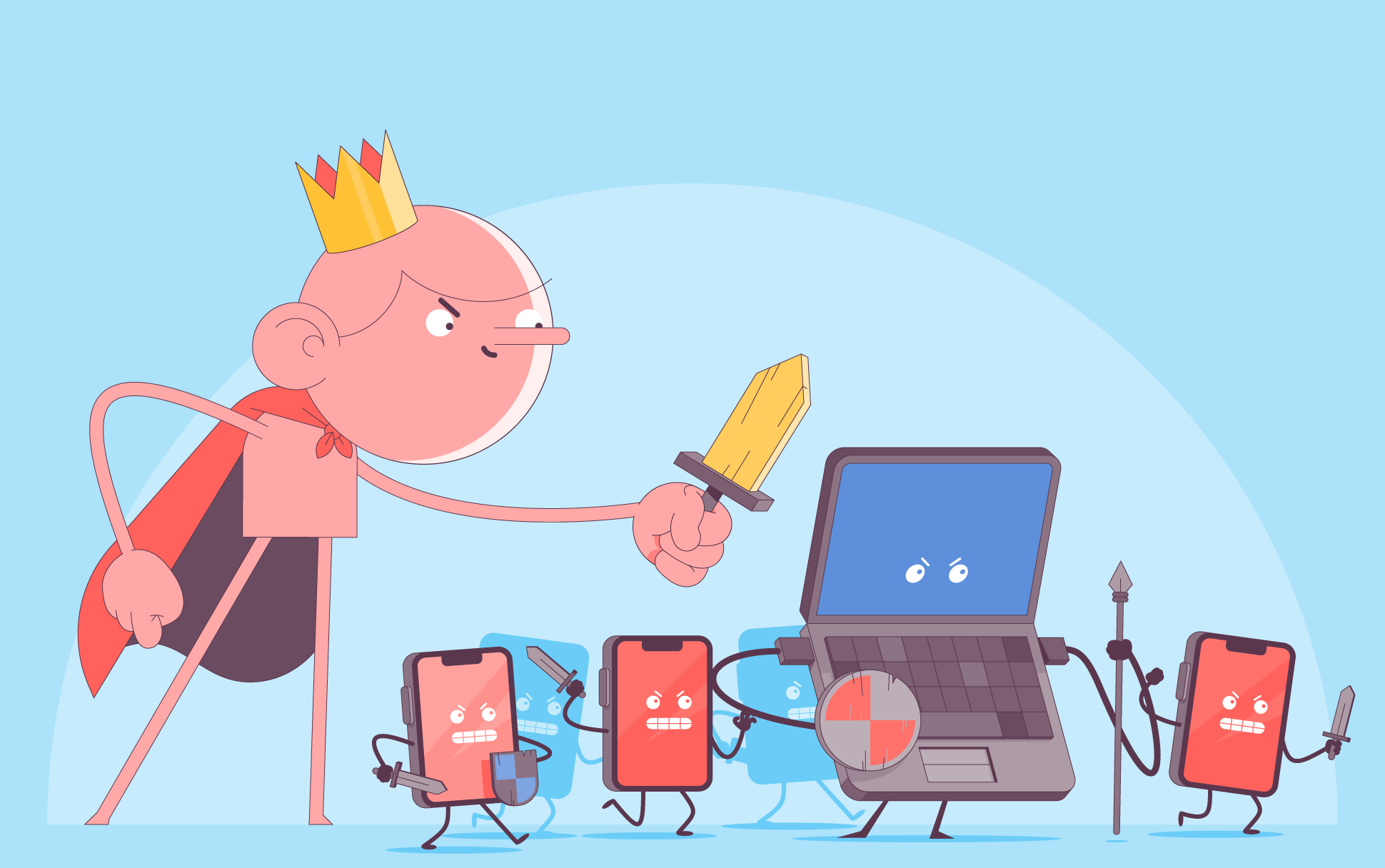
A botnet is a network of infected devices that are controlled remotely by an attacker. Each infected device is called a “bot” and together they form a coordinated system to launch large-scale attacks like overloading websites or sending spam. The attacker can send commands to all these devices at once. What’s most concerning is how ordinary these devices can be. They’re typically laptops, smartphones, smart home devices, or routers.
How devices become part of a botnet
Most people don’t knowingly join a botnet. It usually happens because of poor security in one or more areas, such as:
Accidentally downloading malware
A device can become infected when someone inadvertently downloads and installs malware. For example, from an unsafe app or an infected document. Once installed, the malware connects the device to a command server controlled by the attacker.
Weak passwords and exposed devices
Many botnets specifically target devices with weak or default credentials.
For example:
- Routers with default passwords
- IoT devices with no security updates
- Exposed remote access ports
One of the most famous botnets, Mirai, spread by scanning the internet for devices using default login credentials. In 2016, it infected hundreds of thousands of IoT devices and was used to launch massive DDoS attacks, including one that disrupted major websites and services across the US.
Unpatched vulnerabilities
Outdated software often contains known security flaws that attackers can exploit. Updating your device and software as soon as they become available is one of the simplest and most effective ways of keeping your digital devices safe.
What botnets are used for
The most common types of botnet attacks include:
- DDoS attacks – Overwhelming a website or service with traffic, causing it to crash or become unavailable. Large-scale DDoS attacks can disrupt major services and even affect entire regions.
- Spam and phishing campaigns – Sending massive amounts of spam emails or phishing messages. Because the messages come from many different devices, they are harder to block.
- Credential stuffing and brute-force attacks – Trying large numbers of login attempts across multiple accounts or services. This increases the chances of breaking into accounts that use weak or reused passwords.
- Malware distribution – Spreading additional malware that expands the botnet even further.
Signs your device may be part of a botnet
Botnet infections are designed to stay hidden, but subtle signs can include:
- Slower performance than usual
- Unexpected spikes in internet usage
- Device overheating
- Strange outgoing network activity
- Unknown processes running
But often there are no obvious signs at all.
How to protect your devices from botnets
The good news is that most botnet infections can be prevented with basic security practices:
- Change default passwords – This is one of the simplest and most effective steps. Never leave devices with default credentials, especially routers and smart devices.
- Keep software updated – Install updates for: operating systems, apps, and firmware. Updates often fix vulnerabilities that botnets exploit.
- Secure your home network – Use strong Wi-Fi passwords, WPA2 or WPA3 encryption, and updated router firmware.
- Avoid suspicious downloads and links – Be cautious with email attachments, unknown apps, and unofficial software, as these are common infection vectors.
- Monitor connected devices – Check what devices are connected to your network and remove anything unfamiliar.
Quick checklist for reducing your botnet risk
Follow these simple steps to significantly reduce your risk of infection:
- Change default passwords
- Update all devices regularly
- Secure your Wi-Fi network
- Avoid suspicious downloads
- Monitor connected devices
The takeaway
Botnets are powerful because they turn ordinary devices into coordinated tools for cyberattacks, often without their owners ever noticing. Fortunately, the solution isn’t complicated. By updating devices, securing networks, and staying cautious online, you can shield your devices from becoming part of a botnet.
Frequently asked questions
Can my phone be part of a botnet?
Yes, although it’s less common than PCs or IoT devices.
Are smart home devices at risk of becoming part of botnets?
Yes, devices like cameras, routers, and smart plugs are common targets because people often don’t change the default security settings and credentials.
Can an antivirus detect botnets?
Sometimes, but not always. Some botnets are designed to avoid detection.
Is turning off a device enough to protect from becoming part of a botnet?
Temporarily, but it doesn’t remove the infection.

Aideen is a digital copywriter for SSLs.com. Having eight years of experience in online content creation, she is a versatile writer with an interest in a wide variety of topics, ranging from technology to marketing.