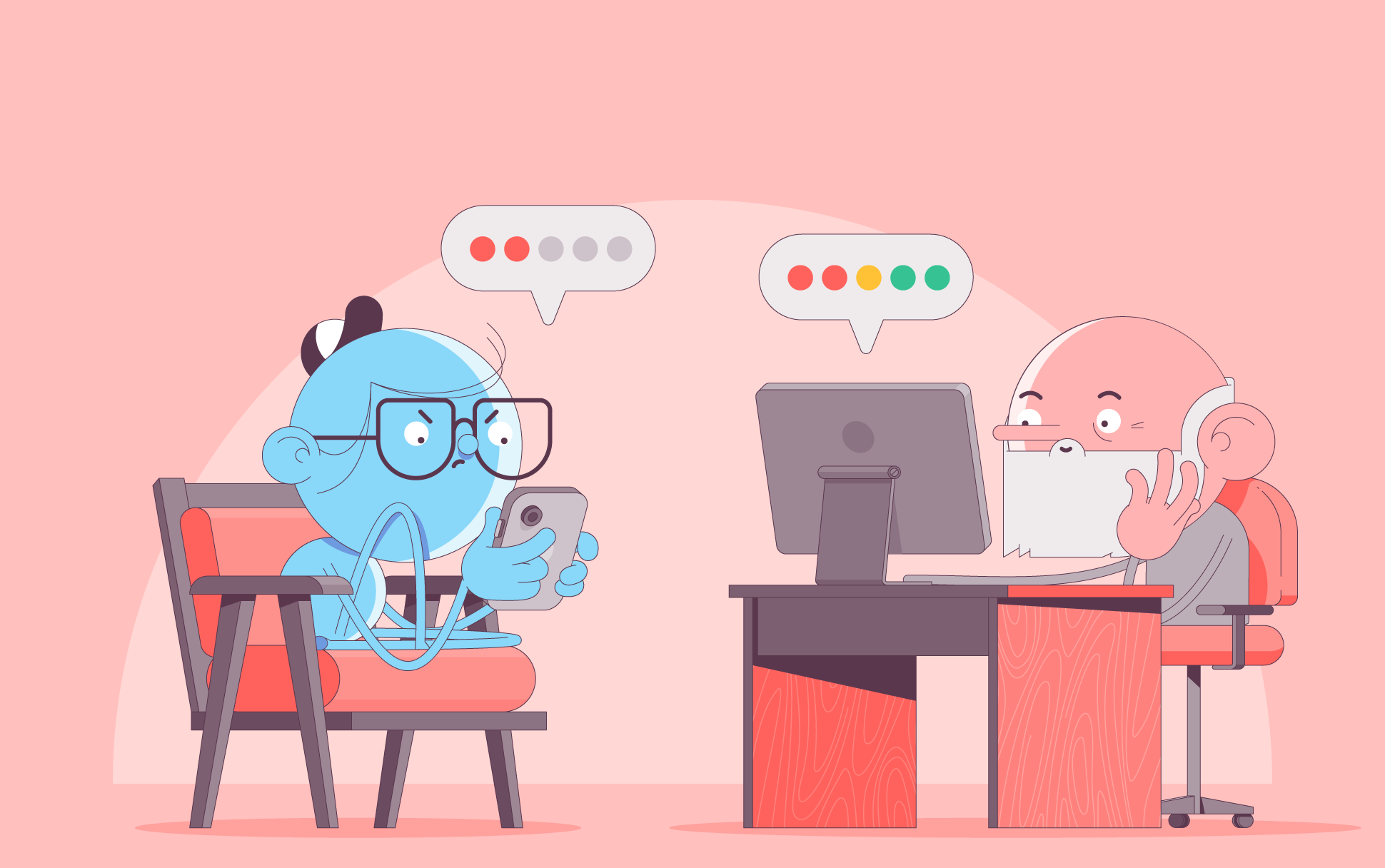
Gen Z is undoubtedly the most online generation yet, with the digital landscape having been a central part of their world from a young age. Despite this, recent studies (including this one from NordPass) show that their password practices are less than ideal.
It’s quite a concerning finding. With data breaches on the rise, a weak password is something you can’t afford to mess with. They remain one of the most common reasons accounts get hacked today. And the risks go far beyond losing access to a social media profile.
Read on to find out why weak passwords are still so common, what real risks they create, and what you can do to lock down your accounts.
What the research shows about Gen Z and passwords
Key findings about Gen Z passwords, according to the NordPass study, are:
- Passwords are often short and easy to remember
- The top 3 passwords are 12345, 123456, and 12345678
- They often reuse the same passwords across multiple accounts
What makes this so surprising is that Gen Z are often considered “digital natives” because they basically grew up online. This can give the impression that they’re experts when it comes to all things Internet. But that’s not the case. They’re just as bad at password hygiene as the generations before them, particularly their grandparents.
Looking at the data between generations, each one follows poor password practices. While Gen Z’s top password, 12345, is the same for The Silent Generation, millennials, Gen X, and Baby Boomers aren’t much better, favoring 123456. So, poor password choices can’t be blamed on Gen Z alone. These bad practices transcend the generational divide.
Why people continue to choose bad passwords
With everything we know about the importance of online security and the rise in hack-happy bad actors, why are the majority of people still choosing such risky passwords? It’s hard to pinpoint precise reasons, but password fatigue is likely the biggest culprit. With so many different apps and devices, creating and remembering that many unique passwords feels like a hassle. This fatigue leads to behavior such as:
- Having fewer than 25 unique passwords
- Changing only a single character when prompted to update a password
- Choosing to abandon an existing account entirely and create a new one instead of resetting a password
Why weak passwords are dangerous as ever
Fatigue or not, using a weak or reused password is still risky behavior. It can lead to consequences like:
- Attackers engaging in credential stuffing, using leaked passwords from one site to access others
- Account takeovers, where bad actors gain unauthorized access to a user’s online accounts.
- Identity theft, which involves accounts being used for scams or impersonations
- Payment services and subscriptions are common targets, resulting in financial loss
The negative implications of weak passwords are unmistakable. So what are the best practices for choosing a strong one?
What defines a strong password today?
A strong password is not just a longer password. It should also be:
- Unique for every account
- At least 12-16 characters long
- Made up of a mix of upper and lowercase letters, numbers, and characters
- Random, not based on your personal information
- Hard to guess, even if someone knows you
Example:
- Weak: Alex1998
- Strong: tide-planet-copper-river!
Instead of complex passwords you won’t remember, a good trick is using a passphrase instead. This involves combining 3-4 random words. It creates a password that’s difficult for hackers to crack but easier for you to remember.
Why password managers can help
Password fatigue is incredibly understandable in a world where we need so many online accounts to get by. To have unique, strong passwords for every account and to remember them all simply isn’t possible. That’s why password managers are essential. They solve the biggest problem with strong passwords: memory.
They allow you to:
- Generate strong, random passwords automatically
- Store unique passwords for every account
- Sync securely across devices
With a password manager, you only need to remember one strong master password instead of scores more.
Add multi-factor authentication (MFA)
Even a strong password can be stolen through phishing. That’s why MFA is critical. It adds another layer of security to your online account so that even if your password is cracked or stolen, your online account will be safe. MFA often uses authenticator apps or one-time codes.
What about Passkeys?
Passkeys are a relatively new method of passwordless logins that use cryptographic keys stored on your device. Instead of a password, it asks for a user’s biometrics, such as fingerprint or face scan, or screen lock password or pin code to prove identity.
They are a powerful login tool since they are phishing-resistant and don’t require you to remember so many passwords. The only downside is they’re not yet supported everywhere, so strong passwords and MFA are still needed on many sites and apps.
Websites should also do their part
People’s poor password practices have long been an issue. Yet, many websites don’t provide strong password guidance for those making accounts. Or, if they flag a weak password, they may allow users to save it anyway. Being forbidden from using the most popular, weak passwords may also be a helpful idea to implement to ensure better account security across the board.
A 10-minute account security checklist
Do the following to significantly improve your security in just a few minutes:
- Sign up for and install a password manager
- Get it to generate strong passwords for important accounts like email, banking, and cloud accounts
- Enable MFA wherever possible
- Change other passwords you know to be weak
- Check if your email appears in known data breaches and update those passwords accordingly
Following these steps will put you in a good position for safeguarding your online accounts.
Frequently asked questions about passwords
Why do weak passwords still work?
They don’t. You may be able to sign up for an account with a weak password, but it’s practically like having no password at all. If a threat actor targets you, your online accounts will be at risk for all sorts of attacks.
Is password reuse really that dangerous?
Yes. If one account is hacked or a password is leaked, threat actors will then be able to unlock multiple accounts effortlessly.
Are password managers safe?
Yes. Compared to reusing the same weak password over and over again, reputable password managers that use strong encryption are far more likely to safeguard your online accounts.
How often should I change passwords?
If you use strong passwords, not too often. The latest guidelines from NIST suggest passwords should only be changed if an account is at risk or has been compromised.
Are passkeys replacing passwords?
Passkey adoption is steadily growing, but passwords are still widely used.
The takeaway
While Gen Z certainly has poor password habits, they’re not so different from every other generation. Better habits are needed across the board to keep online accounts safe. Fortunately, password hygiene isn’t as complex as it may seem. Using strong, unique passwords alongside MFA dramatically reduces the risk of password compromise. And by adding a good password manager to the mix, you’ll hardly need to think about passwords again.
Cora is a digital copywriter for SSLs.com. Having eight years of experience in online content creation, she is a versatile writer with an interest in a wide variety of topics, ranging from technology to marketing.