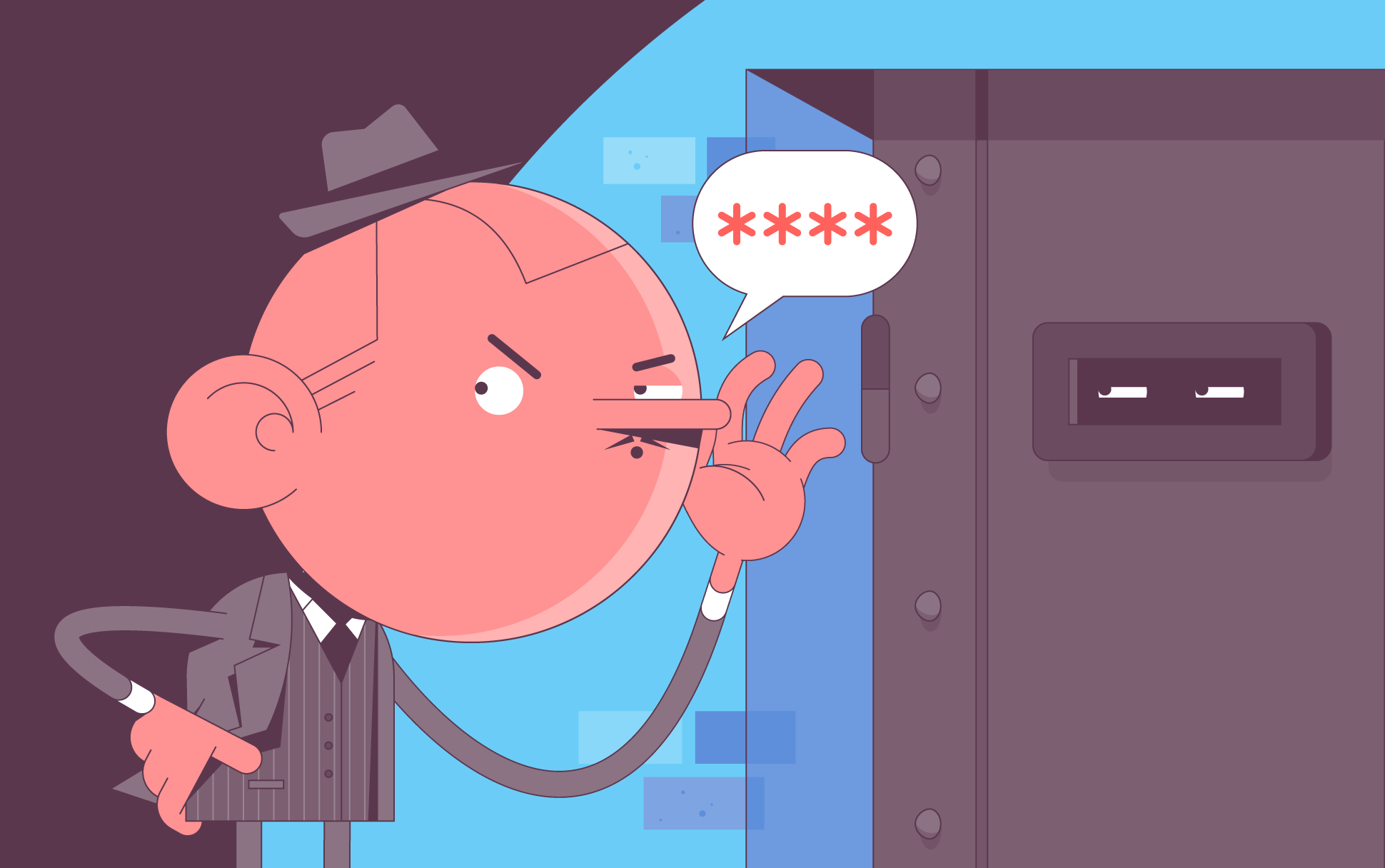
While you were celebrating (or not celebrating) Easter, a German developer was busy stopping a potentially catastrophic cyber attack on the most widely used open-source operating system — Linux.

While you were celebrating (or not celebrating) Easter, a German developer was busy stopping a potentially catastrophic cyber attack on the most widely used open-source operating system — Linux.

US lawmakers have lately appeared to be putting privacy first, with the passage and drafting of bills that seek to protect American data both at home and abroad.

The development of IoT devices has brought with it a plethora of conveniences. Smart cameras are especially popular among people who want to check in on their pets when they’re not around or are worried about home security.

Google has recently changed its Chrome browser, promising to keep users even safer as they browse. The main areas in which these changes are being made are the Safe Browsing feature and Incognito mode. Let’s take a closer look.

In an ideal world, once you install an SSL certificate, you should be able to forget about it, safe in the knowledge that your site will remain secured until it’s time to renew. Unfortunately, this isn’t always the case. Even when there’s nothing wrong with the SSL itself, there are myriad technical server-side or browser issues that can cause it not to work properly, resulting in error messages for people trying to reach your site.

SSL has become an intrinsic part of securing all areas of our online lives, even if we aren’t always aware of those powerful encryption certificates continually doing their thing in the background. They aren’t just critical when using a desktop or laptop computer, but mobile devices too.

At some point, most people with a computer have likely interacted with a command line interface. If you haven’t, here are the basics. With a program called a shell, you can execute tasks by entering a specific line of text known as a command.